
How to Time a Song to Hit Exactly at Midnight on New Year's Eve
Want the song to end, or the big moment to land, right at 12:00? The start-time math, why the TV countdown is the wrong clock, how to get a streamed song to start on the second, and what to play after midnight.
The short answer: midnight minus the song's length
To make a song end exactly at midnight, start it at 12:00 minus the song's length. To make one moment in a song (a drum fill, a chorus, a drop) land at midnight, start it at 12:00 minus that moment's timestamp.
Three things decide whether it actually works:
- Use the length your player shows, not one from the internet. The same song comes in versions that differ by minutes. Prince's "1999" is 6:13 on the album and 3:36 as the 7-inch edit (Apple Music listings).
- Time it to a real clock, not the TV. Streamed countdowns can run 15 to 60 seconds behind (Fortune). Use time.gov or your phone's own clock.
- Load the song before you need it. A streamed song can take a second or two to start. Start it early, pause it, drag it back to 0:00, and then tap play on the second.
New Year's Eve 2026 is a Thursday. This guide is for whoever is running the music at the party and wants the room to hear the right song at 12:00, not the end of a random track and an awkward pause.
Start times for songs people try to time
These are the album or single versions listed on Apple Music, which is what most people will stream. Check the length in your own player before you trust a start time: if your version is a different length, redo the sum.
| Song | Version and length | Goal | Start at |
|---|---|---|---|
| "The Final Countdown", Europe | Album, 5:10 | Ends at 12:00 | 11:54:50 |
| "1999", Prince | Album, 6:13 | Ends at 12:00 | 11:53:47 |
| "1999", Prince | 7-inch edit, 3:36 | Ends at 12:00 | 11:56:24 |
| "Celebration", Kool & the Gang | Single version, 4:58 | Ends at 12:00 | 11:55:02 |
| "Happy New Year", ABBA | Album, 4:23 | Ends at 12:00 | 11:55:37 |
| "In the Air Tonight", Phil Collins | Album, 5:35 | Drum fill at 12:00 | about 11:56:20 (see below) |
| "Auld Lang Syne", Guy Lombardo | 2:33 or 2:30, by release | Starts at 12:00 | 12:00:00 |
Lengths are from the Apple Music catalog (iTunes Search), rounded to the second, so your result can be a second out either way.
"In the Air Tonight" is the famous one. The aim is to have the drum fill crash in at midnight. On the 5:35 album version it comes in at roughly 3:40, which gives a start time of about 11:56:20. Don't take our 3:40 on trust: play it through once before the party, note the second the drums hit on your player's elapsed-time counter, and subtract that from midnight.
Mind the sign. "Ends at 12:00" means the room hears silence, or the cheering, at midnight. If you want something loud at midnight rather than finishing at it, time a moment instead, or start the next song on the stroke of twelve.
How to work out your own start time
For any song, any version:
- Find the number. For a song that should end at midnight, it's the song's total length. For a moment, play the song and write down the elapsed time when it happens, to the second.
- Subtract it from 12:00:00. A 4:07 song starts at 11:55:53. A moment at 2:45 means a start at 11:57:15.
- Allow for the gap at the end. Many songs fade out or have a few seconds of silence at the end of the file. If yours does, and you want the last loud note at midnight, take those seconds off too. Listen to the last 20 seconds once to find out.
- Write the start time down. At 11:54 at a loud party, nobody does arithmetic well.
One song, not a chain. It's tempting to queue three songs so the third ends at midnight. Every gap between songs, every buffering pause and every ad adds a few seconds you didn't plan for. Time one song and start it yourself.
Use a real clock, not the TV countdown
The ball drop on TV feels like the official clock. It often isn't the right one for your living room.
- Streaming is late. Fortune reported delays of "roughly 15 to 60 seconds" across streaming TV services, and described a viewer whose neighbors were cheering before his stream had reached the countdown (Fortune).
- Even broadcast TV has a short delay. The same article puts traditional live broadcasts at five to seven seconds behind.
- Outside Eastern time, a ball drop on screen may not be live at all. If you're in Chicago or Los Angeles, check whether you're watching a replay before you count down with it.
So pick one clock and stick with it:
- time.gov, the US official time from NIST, shows seconds. Open it on a laptop or tablet near the speaker.
- Your iPhone's clock is accurate to the second if Settings → General → Date & Time → Set Automatically is on (Apple Support). The Lock Screen only shows minutes, so you'll still want something that shows seconds for an 11:54:50 start.
If you want the TV on as well, mute it for the last minute, or accept that the screen will be behind the room. Counting down from your clock out loud is the version guests remember.
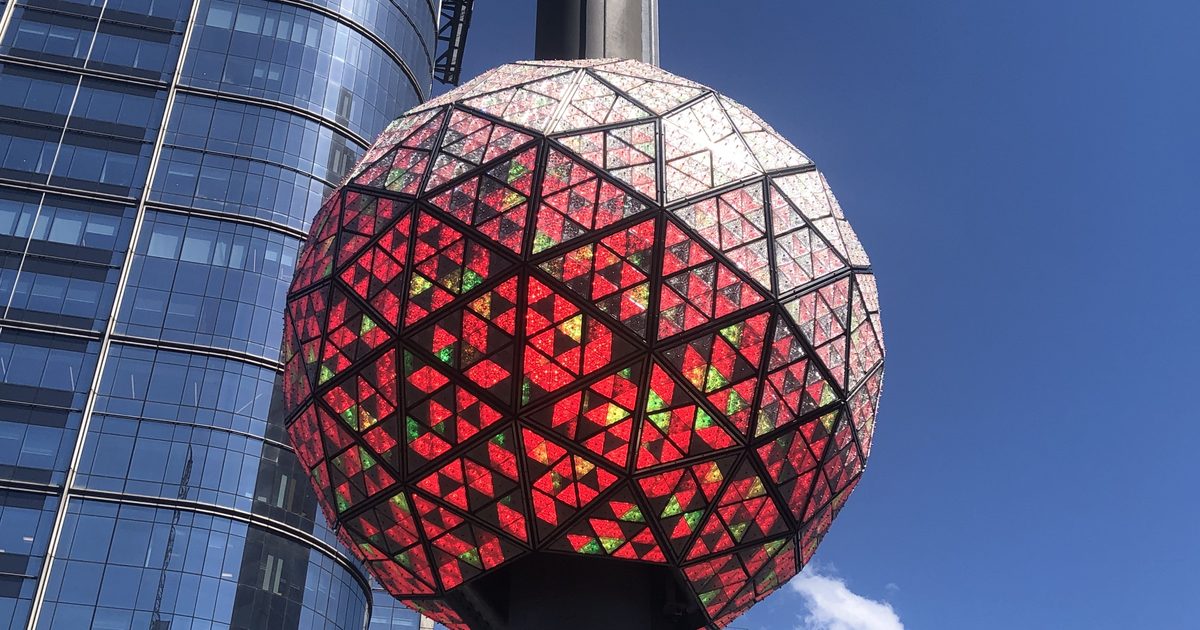
Times Square, for reference: the ball drop begins at 11:59 p.m. ET and lands at midnight. It has been preceded by John Lennon's "Imagine" at 11:55 p.m. since the 2005-06 event (Wikipedia: Times Square Ball).
Get a streamed song to start on the second
A song you tap for the first time has to load before it plays, and on busy holiday Wi-Fi that can take a second or two. Remove that wait before the countdown:
- Around 11:45, open the song and let it start playing. This gets the loading done, and it gets any ad out of the way (more on ads below).
- Pause it and drag the progress bar back to 0:00.
- Watch the seconds on your clock and tap play at your start time. A paused, loaded song starts almost instantly.
- Leave it alone. Don't skip ahead or open other apps on that phone until midnight.
Other things worth doing before 11:30:
- Turn on Do Not Disturb. A call or a FaceTime ringing in at 11:59 pauses the music.
- Charge the phone, or plug it in. Low Power Mode and a dying battery are a bad mix with a countdown.
- Connect the speaker early. A Bluetooth speaker that drops and reconnects at 11:58 costs you the moment. If the TV is your best speaker, here's how to play music from your iPhone on the TV.
- Do a dress rehearsal. Earlier in the evening, pick any time, say 9:00, and run the same steps. If the song ends at 9:00:00, you're ready.
What to play right after midnight
The first song of the new year matters more than the last one of the old year, because that's when everyone is listening.
"Auld Lang Syne" is the traditional choice. Robert Burns sent the words to the Scots Musical Museum in 1788, describing it as an old song, and Guy Lombardo and His Royal Canadians played it on New Year's Eve for decades. The introduction to Lombardo's 1947 Decca recording is played in Times Square after the ball drops (Wikipedia: Auld Lang Syne). Most people know the first verse and the chorus, and only half-know them.
After that, Times Square has traditionally played Frank Sinatra's "Theme from New York, New York" with the fireworks (Wikipedia: Times Square Ball). Then it's your party.
Good next songs for a room that has just finished hugging:
- "Celebration", Kool & the Gang
- "September", Earth, Wind & Fire
- "I Gotta Feeling", the Black Eyed Peas
- "Dancing Queen", ABBA
- "Mr. Brightside", the Killers
If your guests span a few generations, the best 80s songs is a deep shelf of songs that work at 12:05 a.m. For the shape of the rest of the night, how to build a party playlist covers the energy arc.
Doing it in Trending Music
Trending Music is our app, so weigh this section accordingly. It's free, and every song in the table above is the kind of song it can play.
- Make a short "Midnight" playlist. Put your timed song first and the after-midnight songs below it. Tap ••• on a song, then Add to Playlist (playlist guide).
- Check the length. Open the timed song in the player. The player shows the elapsed and remaining time next to the progress bar. Start the song and read the remaining time before it ticks down: that's the length to subtract from midnight.
- Load it, pause it, drag it back to 0:00, then tap play at your start time.
- Then lock the phone. Music keeps playing with the screen locked.
About ads, honestly. In the free version, a full-screen ad can appear when a song starts or between songs while the app is open on screen. That's why step 3 starts the song early, and why you lock the phone afterwards: these ads don't appear while the phone is locked. If you unlock the phone and go back into the app near midnight, an ad can appear when the app opens. The music keeps playing underneath it, but don't use that screen to watch the seconds. Premium removes ads.
What it can't do: the app won't start a song by itself at a set time. Its Alarm Clock rings with a notification that you tap to start the music, which is fine for a wake-up but not precise enough for 11:54:50. You press play yourself.
Can I just put a countdown video on instead?
Yes, and for many parties that's simpler. But a countdown video on YouTube or a streaming service has the same problem as the TV: its "zero" depends on when you pressed play and how far behind the stream is. If you use one, start it against your real clock (a 10-minute countdown video starts at 11:50:00 exactly), and don't trust a "live" countdown stream to be live.
What if I miss the start time?
Don't restart the song. If you're a few seconds late, let it play and start the countdown out loud from your clock instead, so the room still cheers at midnight. If you're very late, skip it, let the current song play out, and start "Auld Lang Syne" at 12:00:00. Nobody at the party knows what the plan was.
More for New Year's Eve
If you have a dog that hates the fireworks that start at midnight, set up its room first with music to calm a dog during New Year's Eve fireworks, on a different speaker from the party. For the hours before the countdown, chill songs for a slow evening work while people arrive. And if your crowd sings, the best karaoke songs has plenty that work after midnight.